Bring your material
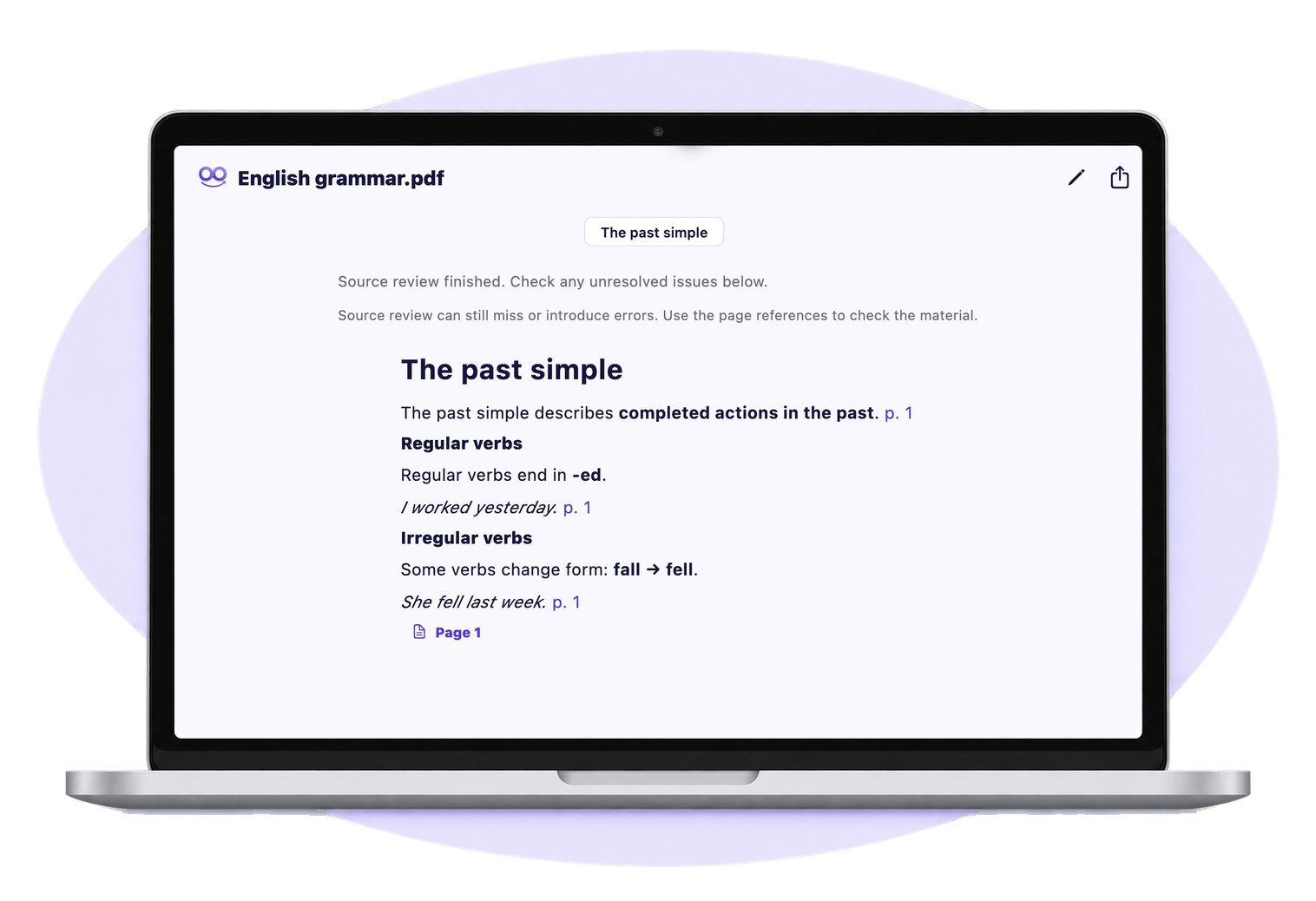
English grammar.pdf
English grammar
The past simple describes completed actions in the past. Regular verbs end in -ed. Some verbs have an irregular form: fall becomes fell.
Bring your PDFs and recordings from your course.
Your courses. Your next step.
Turn your PDFs and recordings into structured notes and flashcards. Build a revision routine around your own courses.
iPhone & iPadAndroidMac
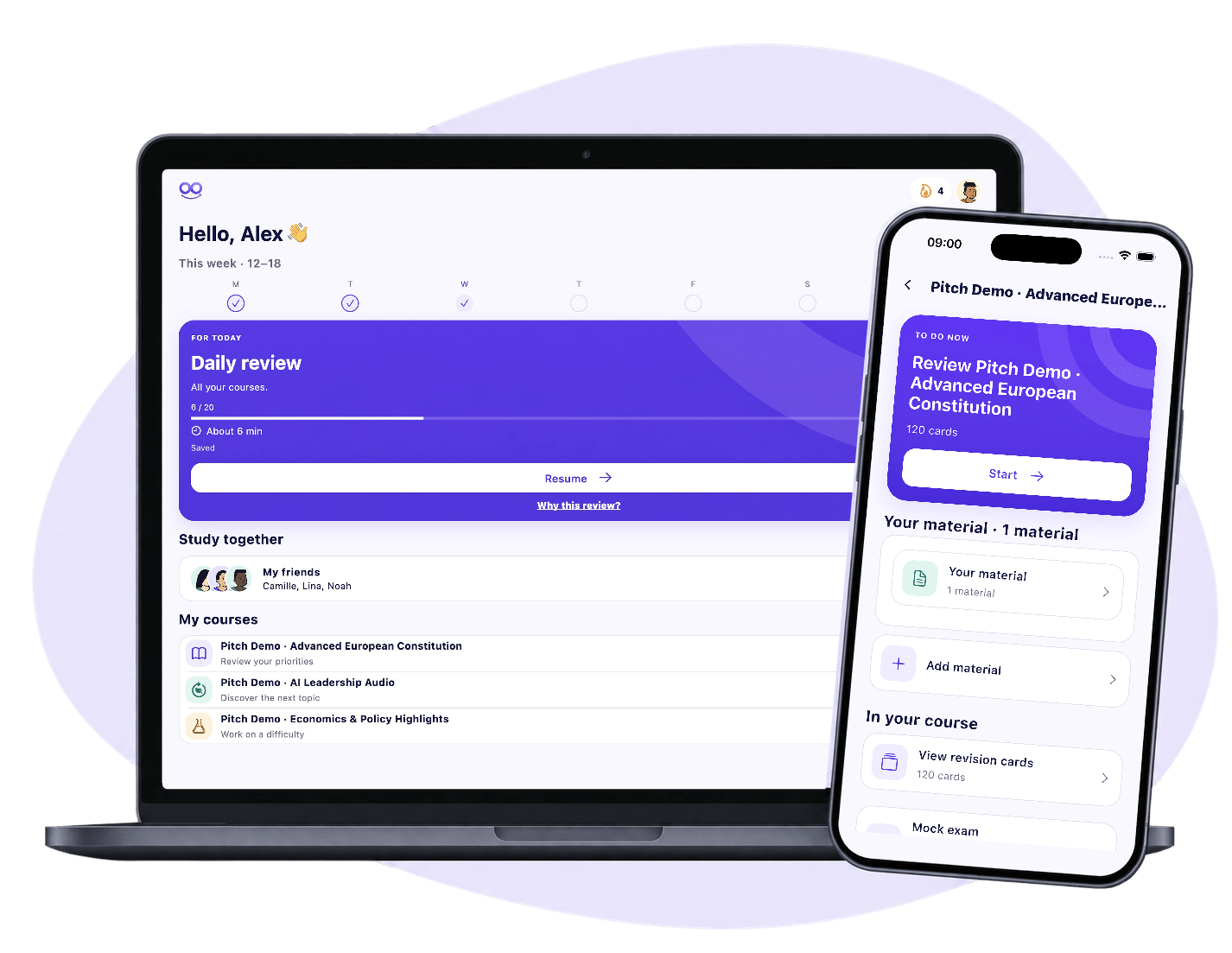
Understand your material, check the sources, then put it into practice.
Illustrative example
The past simple describes completed actions in the past. Regular verbs end in -ed. Some verbs have an irregular form: fall becomes fell.
Bring your PDFs and recordings from your course.
Actions that started and finished in the past.
Regular verbs end in -ed.
fall → fell.
Build understanding with structured notes and references back to your PDF.
Illustrative example
Turn your notes into flashcards and practice sessions.
In PDF syntheses, page references take you back to the original document. Read the explanation, follow the reference and check the passage yourself.
English grammar.pdf · Page 1
The past simple describes completed actions in the past. Regular verbs end in -ed. Some verbs have an irregular form: fall becomes fell.
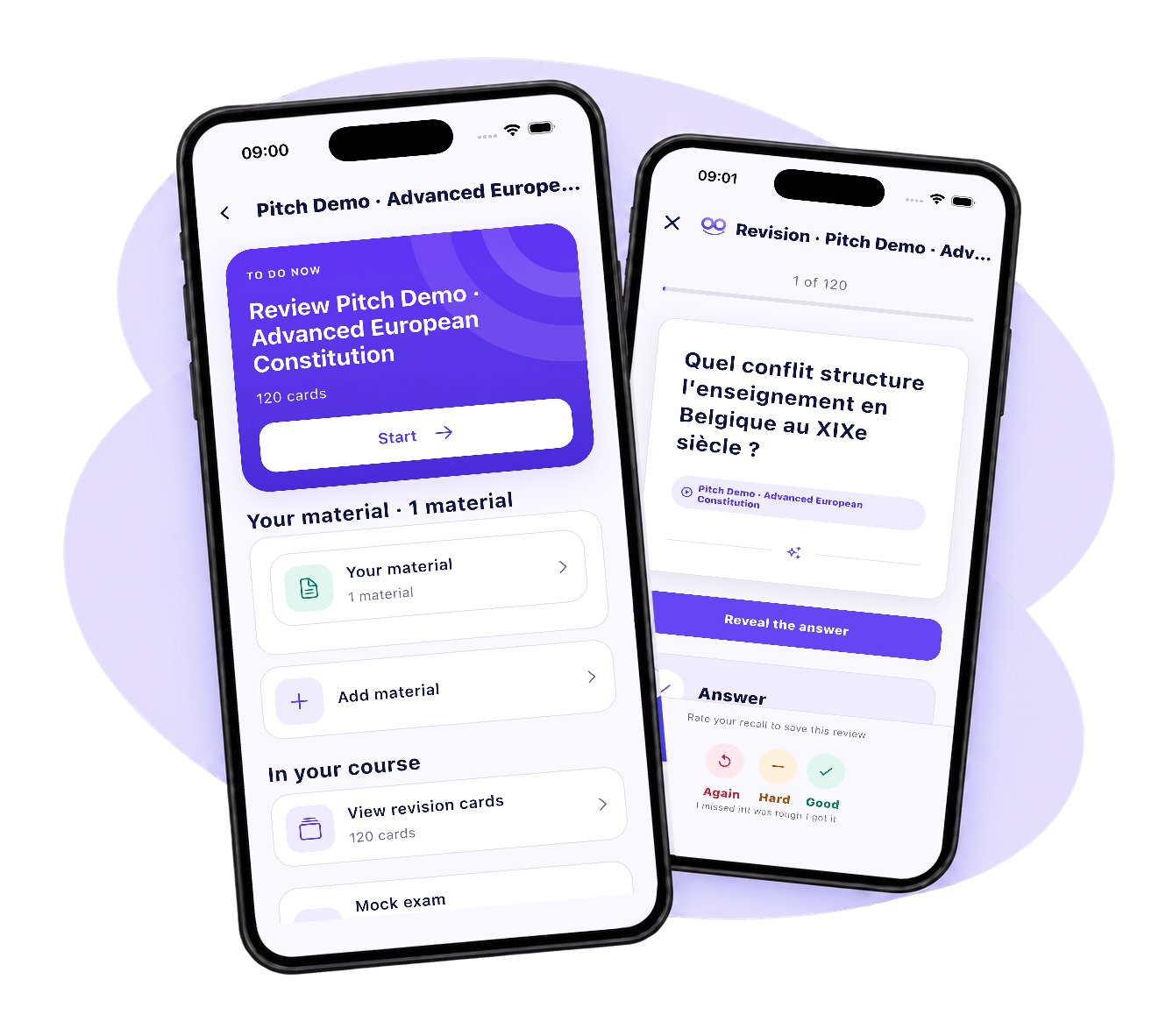
A next step when you open Zooki. A revision session you can return to. Keep moving through your courses, one day at a time.
Open your daily review or choose a course to work on.
Try a question, reveal the answer and rate your recall.
Resume your revision and keep your progress in view.
Test your understanding with practice questions, then revisit your answers.
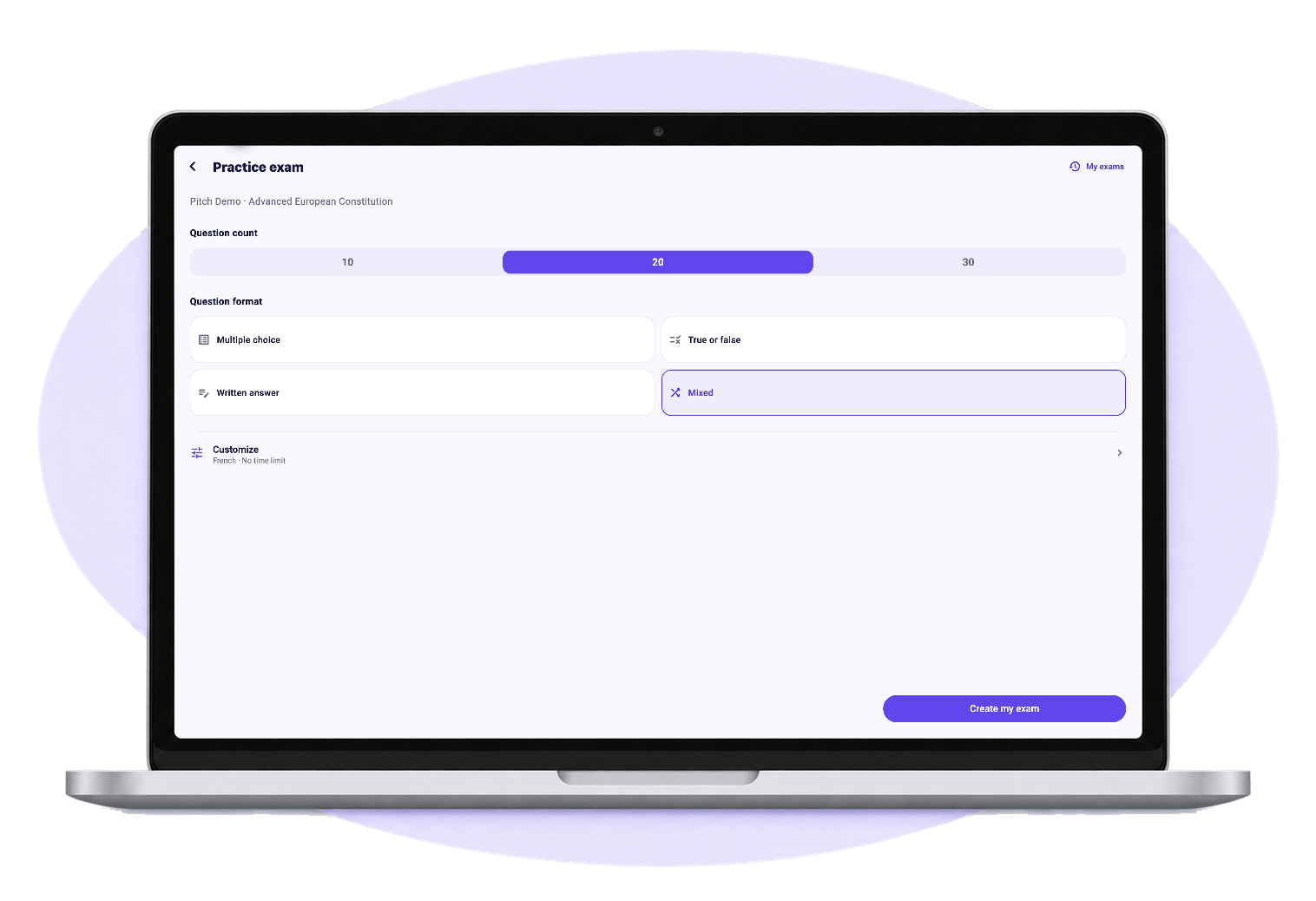
Explore the study experience, then choose the offering that fits your routine.
For PDFs, notes and revision.
For study and audio transcription.
Bring your PDFs and course recordings. Zooki helps you turn them into structured notes and practice material. Audio transcription depends on your offering or available transcription hours.
Zooki is available for iPhone, iPad, Android and Mac. Choose your device on the download page to open its store.
Yes. PDF syntheses include page references so you can return to the original document and check the relevant passage. A reference helps you verify an explanation; it does not guarantee that the generated content is correct.
PrivacyZooki Study focuses on PDFs, notes and revision. Zooki Complete adds audio transcription. See current prices, allowances and purchase conditions in the app before choosing.
iPhone & iPadAndroidMac